For a service business, an Instagram link-in-bio page has one job: help a potential customer take the right next step without making them decode your business.
Many pages fail because they behave like storage. They list every social account, old promotion, article, partner, and service in equal-sized buttons. A visitor who arrived with a simple question—“Can this company help me?”—gets a menu instead of an answer.
Match the page to visitor intent
Most service-business visitors have one of four intents:
- Act now: book, request an estimate, call, or buy.
- Check fit: review services, locations, eligibility, or pricing context.
- Build trust: see work, credentials, testimonials, policies, or the team.
- Stay connected: join an email list, follow another channel, or save a resource.
Order the page in that sequence. Put the most valuable, broadly relevant action first. Supporting proof comes next. Secondary channels belong at the bottom.
Build one clear primary path
Your first button should complete a sentence that starts with “I want to…” Good examples include “Book an appointment,” “Request a project estimate,” “See services and service area,” or “Start a payment plan review.”
Avoid labels such as “Learn more,” “Click here,” or “Website.” They force visitors to guess what happens next. The destination headline should repeat the promise so the transition feels continuous.
If the company has several service lines, route by customer need rather than internal department. “Repair an existing system” and “Plan a new installation” may be clearer than product-family names a new customer does not know.
Keep the choice set small
Every additional button competes with the primary action. Start with three to five meaningful choices:
- primary booking or inquiry;
- services or offers;
- proof or recent work;
- a high-value resource;
- contact or location details.
Move temporary campaign links to the top only while the campaign is active. Remove expired promotions instead of letting the page become an archive.
Add trust before the click
A visitor may not know the company beyond one Reel. Use a short, specific line that says who you help and where. Add a recognizable logo or owner photo, service area, and one verifiable proof element. Do not manufacture urgency, ratings, or client counts.
For regulated or high-stakes services, keep claims precise. Link to licenses, policies, disclosures, or eligibility details where appropriate. The bio page should simplify the decision without hiding important conditions.
Design for mobile reality
Test on a phone using cellular data, not only on office Wi-Fi. Check:
- the primary button appears without excessive scrolling;
- text is readable without zooming;
- buttons have comfortable tap targets;
- images do not delay interaction;
- the booking or estimate destination is also mobile-friendly;
- the phone number and directions work when tapped;
- no cookie banner or pop-up blocks the main action.
The fastest bio page cannot rescue a slow booking form. Test the entire path.
Track actions, not vanity
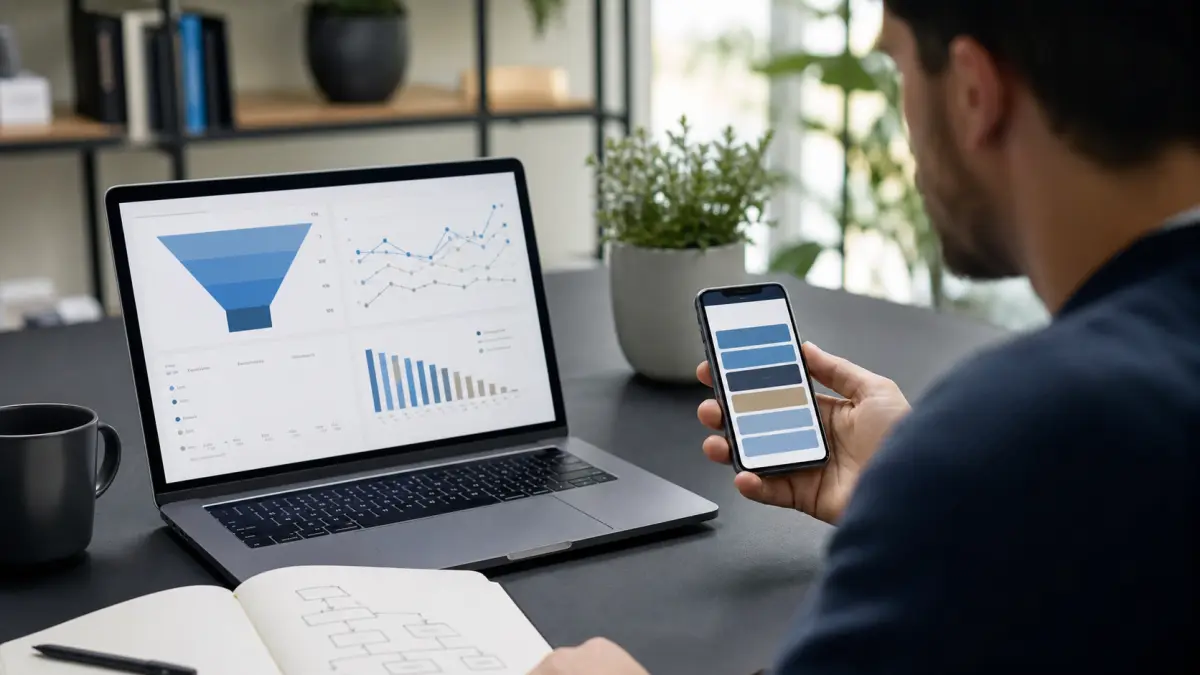
Use consistent campaign parameters on outbound links and define events for meaningful actions. Compare bio-page views, primary-button clicks, destination visits, and completed outcomes. Do not optimize for click-through rate if the destination completion rate falls.
The link-in-bio analytics guide includes a practical measurement model. The link-in-bio page checklist provides a full audit.
Examples by business type
Home service contractor
Primary: “Request an estimate.” Supporting: service area, recent projects, emergency contact policy.
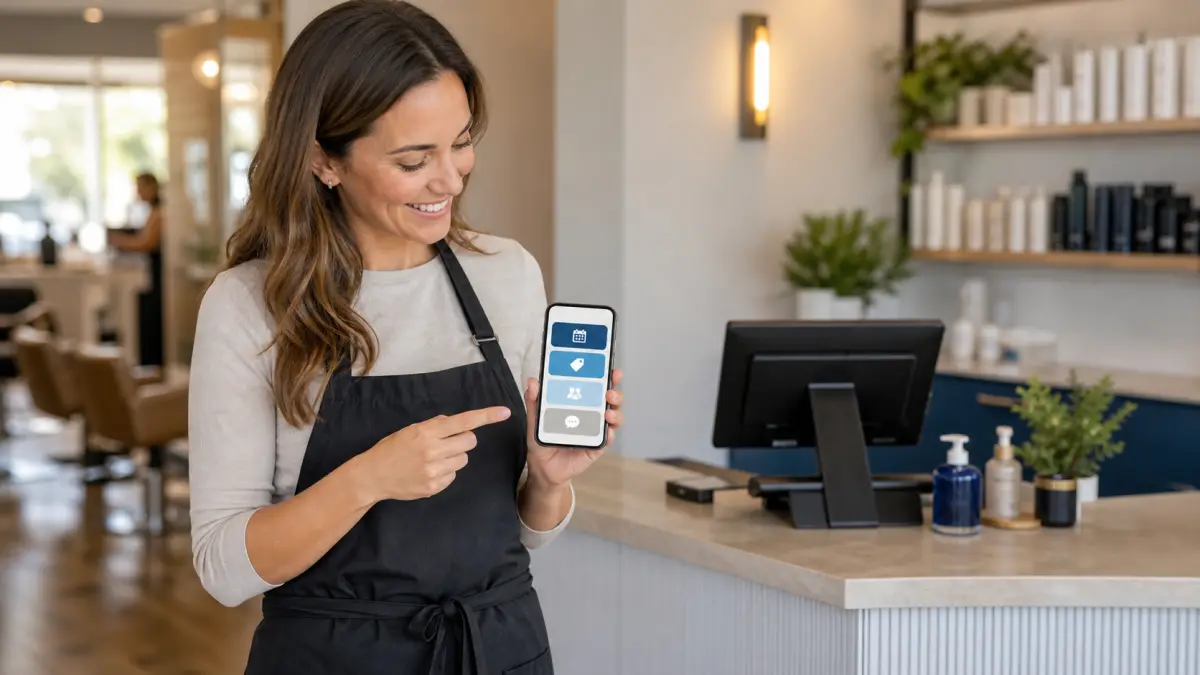
Salon or wellness studio
Primary: “Book your service.” Supporting: service menu, new-client guidance, artist or provider portfolios.
Dental or medical practice
Primary: “Request an appointment.” Supporting: services, insurance or payment information, location and patient forms. Avoid using a general social page to collect sensitive health details.
Coach or consultant
Primary: “Apply for a consultation.” Supporting: who the offer fits, process, case studies, and a useful resource.
A 20-minute rebuild
Write the one action that matters most. Remove duplicate and expired links. Rewrite every button as a clear outcome. Put the primary action first, proof second, and secondary channels last. Add campaign labels, test each destination, and view the path on a phone.
The result should feel less like a directory and more like a confident handoff. A visitor should understand who you help, what to do next, and what will happen after the tap.